Onboard in one link
Create the company, copy the install link, run it on their machines or send it to their office manager. Windows, Linux, macOS, firewall, router: same link.
every dayThe first hour is done
Disk high at 03:00: by 03:01 BE AI has read a week of history, listed the offenders and written what it found. You read it with coffee.
month endBill from the console
Usage per company every month: seats, runs, estimated cost. Your per-seat fee, your margin — not a per-machine rollup.
how the company model worksSuperadmin is you. Company admin is them, if you want.
Superadmin
Creates companies, sets each one's BE AI limits and schedule, rotates enrollment tokens, moves machines between companies when a customer changes hands, sees everything.
Company admin
Optional. A customer's own IT-minded person: manages their users, sees their machines, alerts and usage, approves proposals if you let them. Never sees another company.
Operator
Your technicians. Investigate, approve, push checks and releases, in the companies you assign them to.
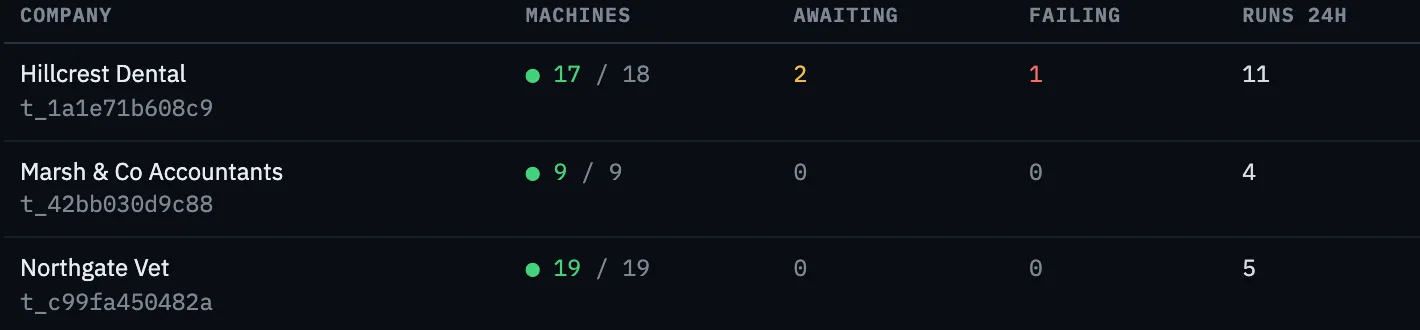
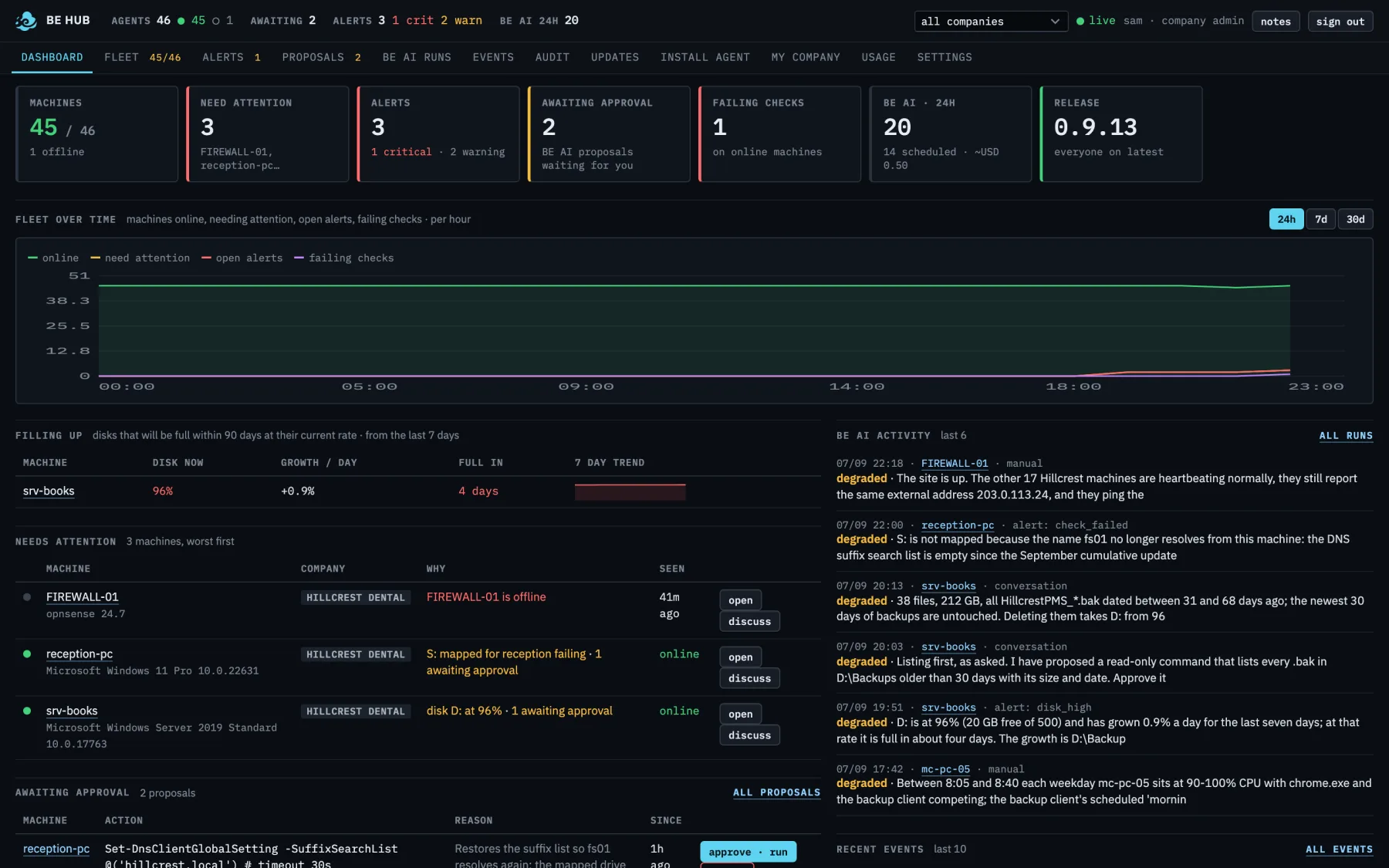
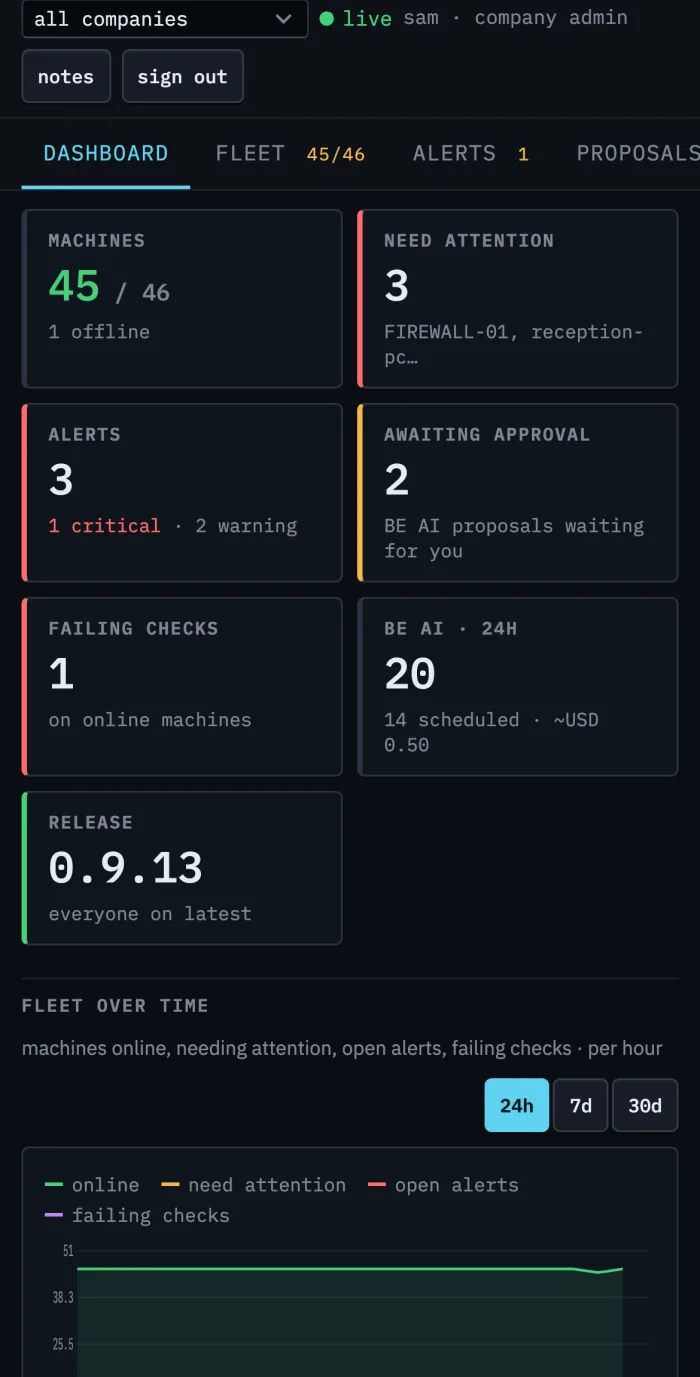
The same dashboard on a phone.
a week with be hubWhat actually changes.
Monday 06:40
Northgate's 4G router lost signal overnight. The alert says the site router still answers ping from the NAS, so it is the carrier side. You call the carrier instead of driving out.
Tuesday 14:10
"Why is the practice server slow?" You ask BE AI in Discuss. Answer in about half a minute: a scanning job stuck at 100% CPU since lunch. Proposal to end it. You approve in the console from the car park.
Wednesday, nightly pass
Two machines out of 46 get a note: one disk full in 11 days, one machine three releases behind. Everything else: nothing to say, nothing taken from the run pool.
Friday, month end
Usage page: operator seats, 61 runs against the pooled allowance. Three lines on three invoices. Fictional week, real features.
More on BE Hub BE Hub overview Plans & pricing Service desk & tickets 38-tool MCP server Disk-full forecast guide The same alert, with and without BE AI. Autonomy AI RMM Classic RMM Multi-site Windows estates that need a named person on every change. A global product. Put the hub where your policy says. From a full disk at 07:12 to a fix approved at 07:19. Most outages announce themselves weeks ahead. The primary RMM. One rule: AI cannot write. Run BE Hub beside the incumbent. Keep one. Cut the other. The AI can read. Only a person can write. Internal IT that has to control the change, not just see the estate. Security checks Reports, digest and knowledge base Integrations Atera alternative RMM pricing in AUD Essential Eight & M365 posture NinjaOne alternative (AU) Datto & ConnectWise alternative CVE patching with 1-click rollback VMware ESXi & Proxmox ZFS monitoring Teltonika & OPNsense monitoring